 Learncher
Notifications, gathered
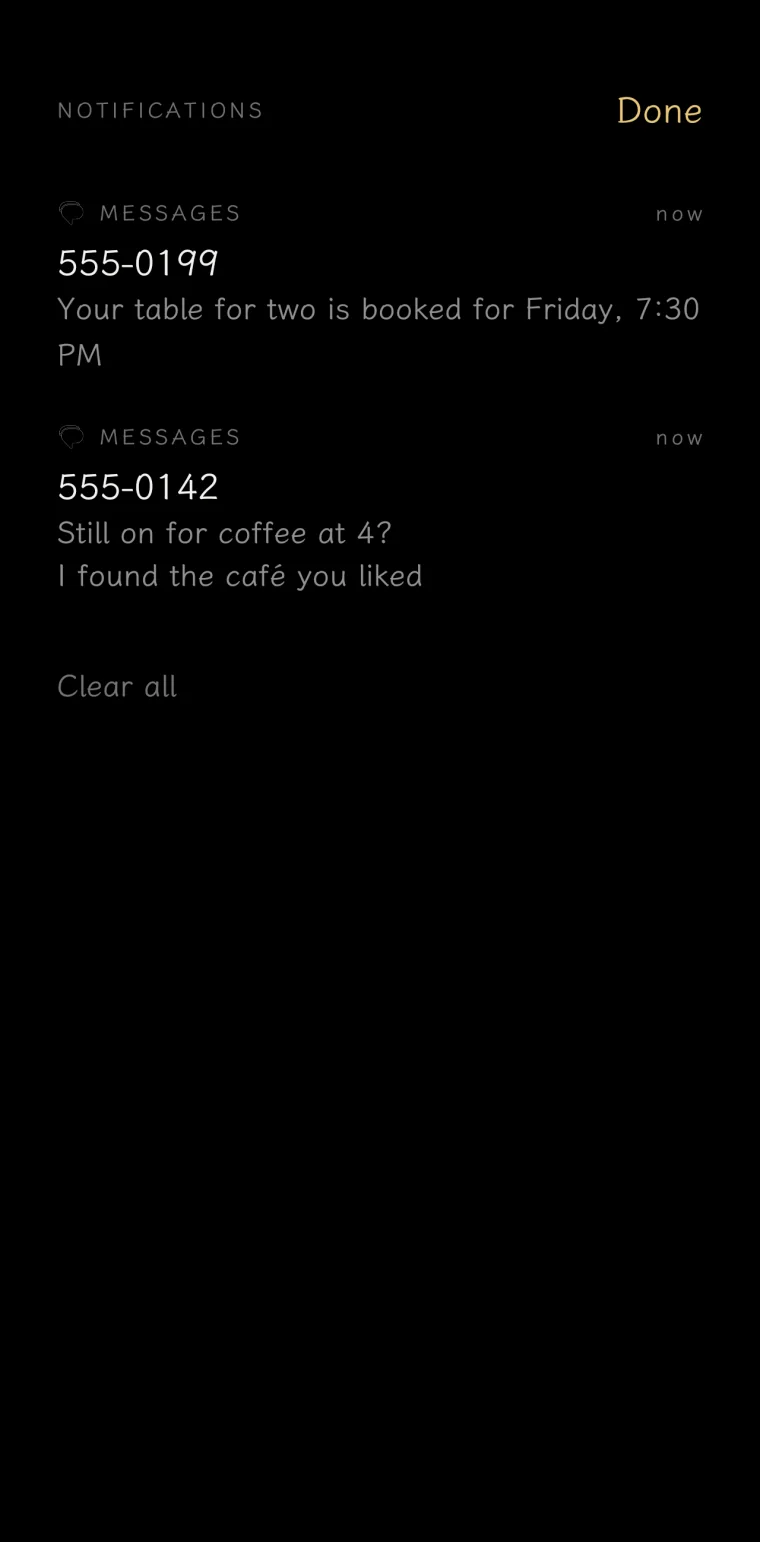
A quiet bell collects everything as tidy threads, so your notification shade stays clear until you’re ready.
You unlock your phone about a hundred times a day. Learncher turns every one of those into a tiny language lesson: one word, right where your wallpaper used to be. No app to open, no streak to keep.
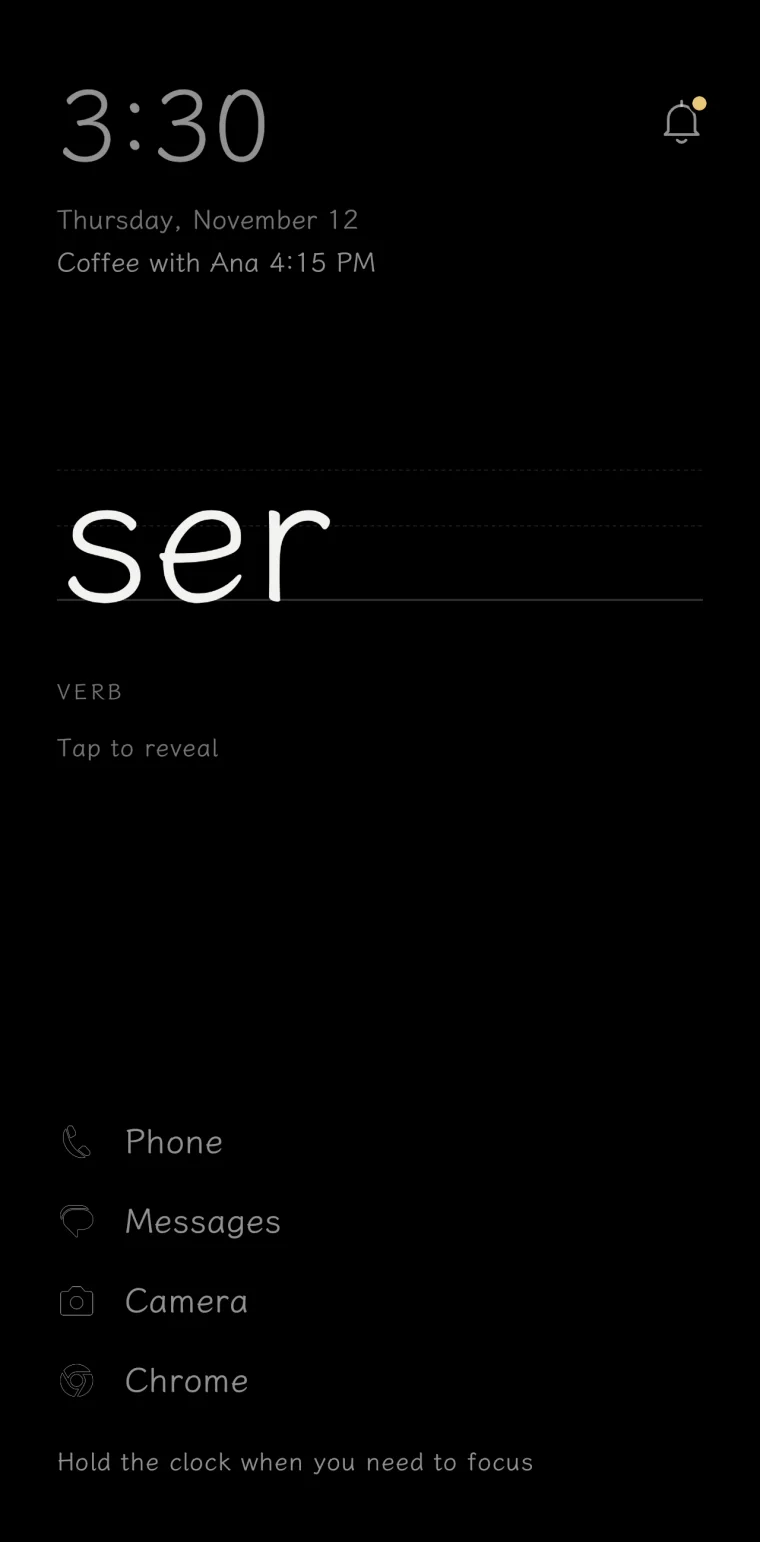
Learning sticks when you try to remember, not when you reread. Learncher makes that tiny effort part of something you already do a hundred times a day.
Today’s word is waiting on your home screen, between the clock and your apps.
The meaning stays hidden until you’ve tried to remember it. That’s the bit that makes it stick.
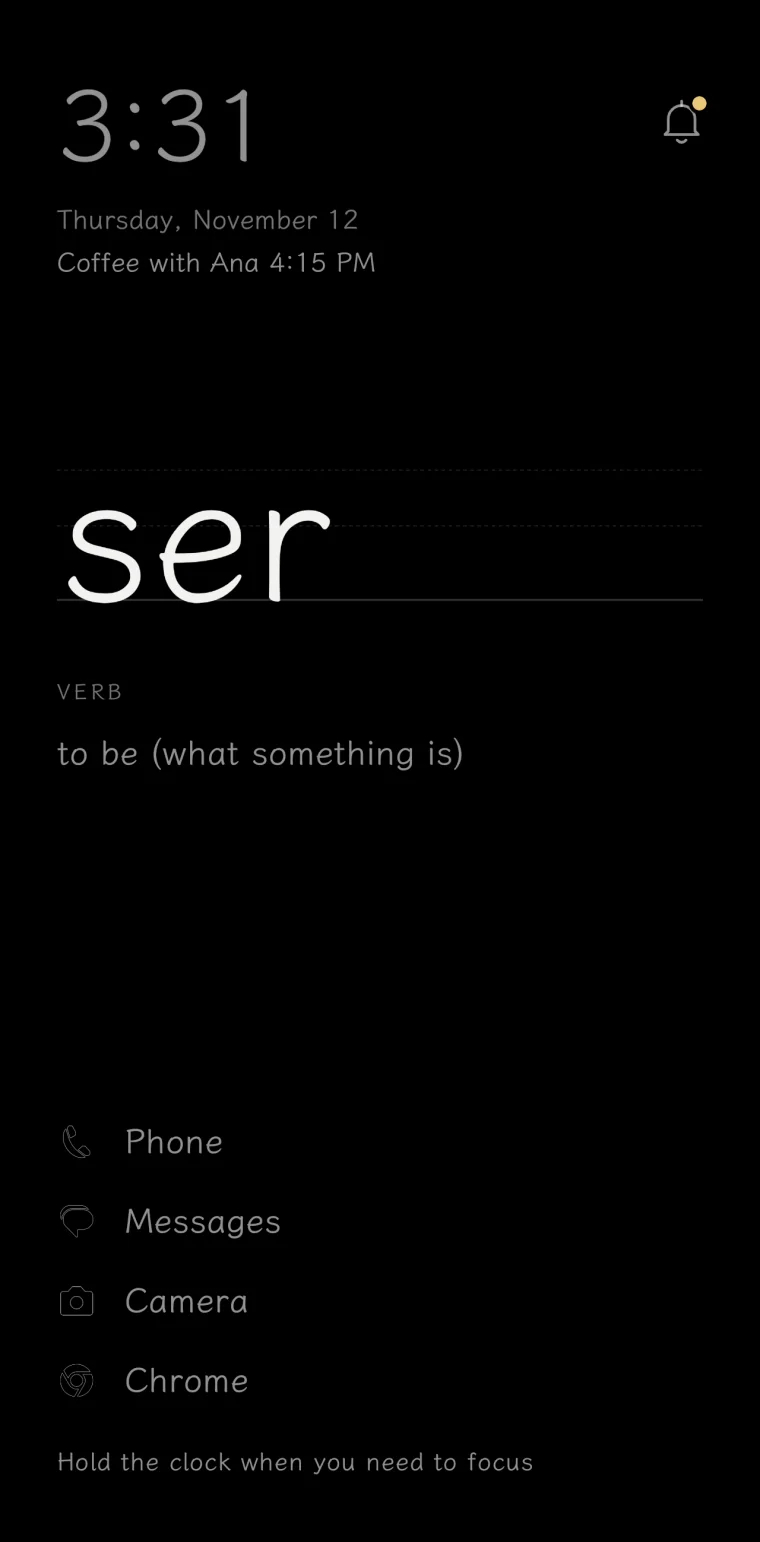
See the meaning and hear it spoken. Mark it known when it sticks, and tomorrow brings the next.
Characters write themselves on a practice grid, stroke by stroke, the way they’re taught in school. Words follow the official HSK 3.0 levels, so you learn what you’ll actually read.




的 de · of, the possessive one
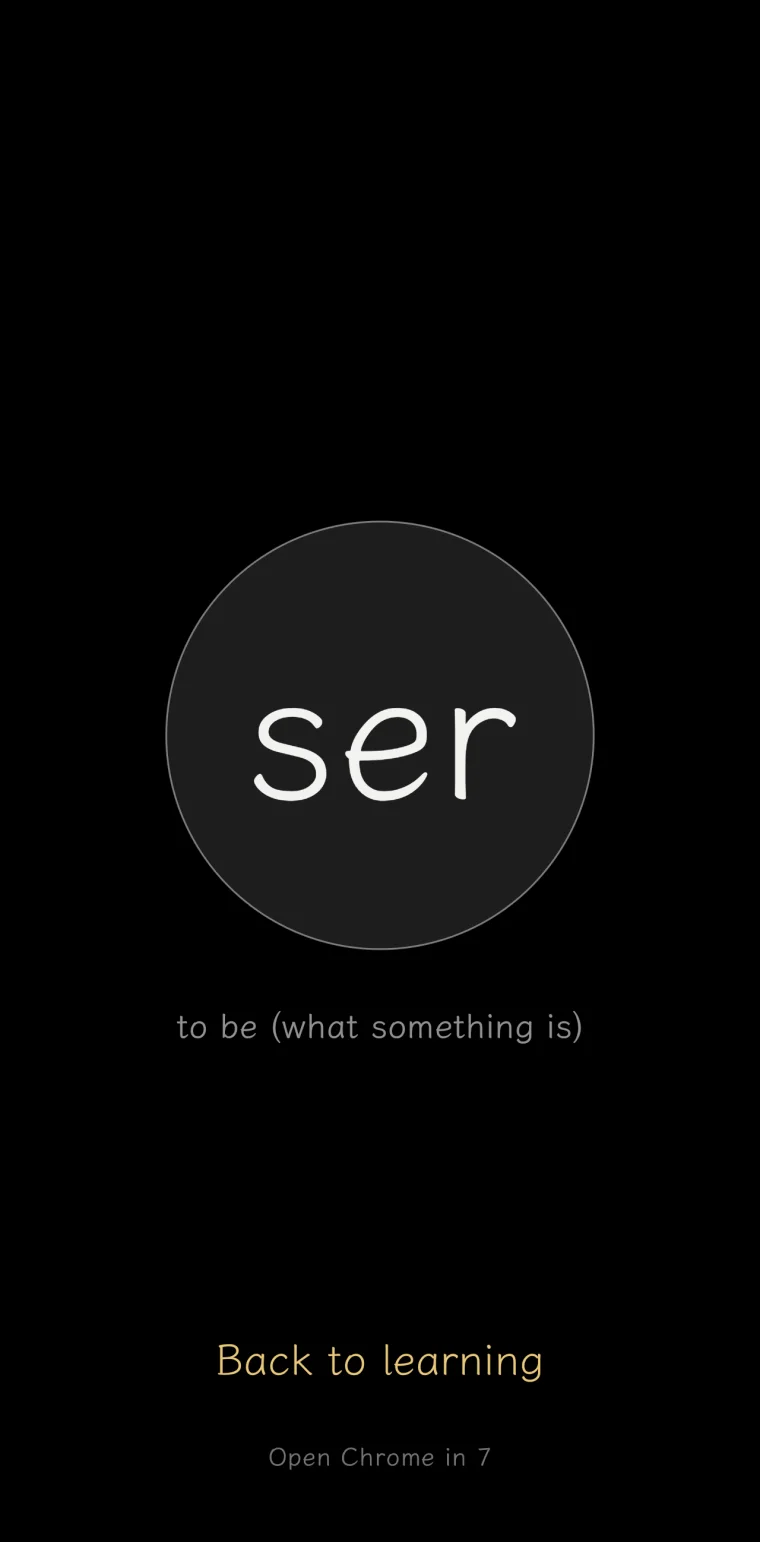
Mark any app as a distraction and it opens after a ten-second pause, with today’s word on screen. Sometimes you still want it. Often you’ll find you just wanted something to do with your thumbs.
A quiet bell collects everything as tidy threads, so your notification shade stays clear until you’re ready.
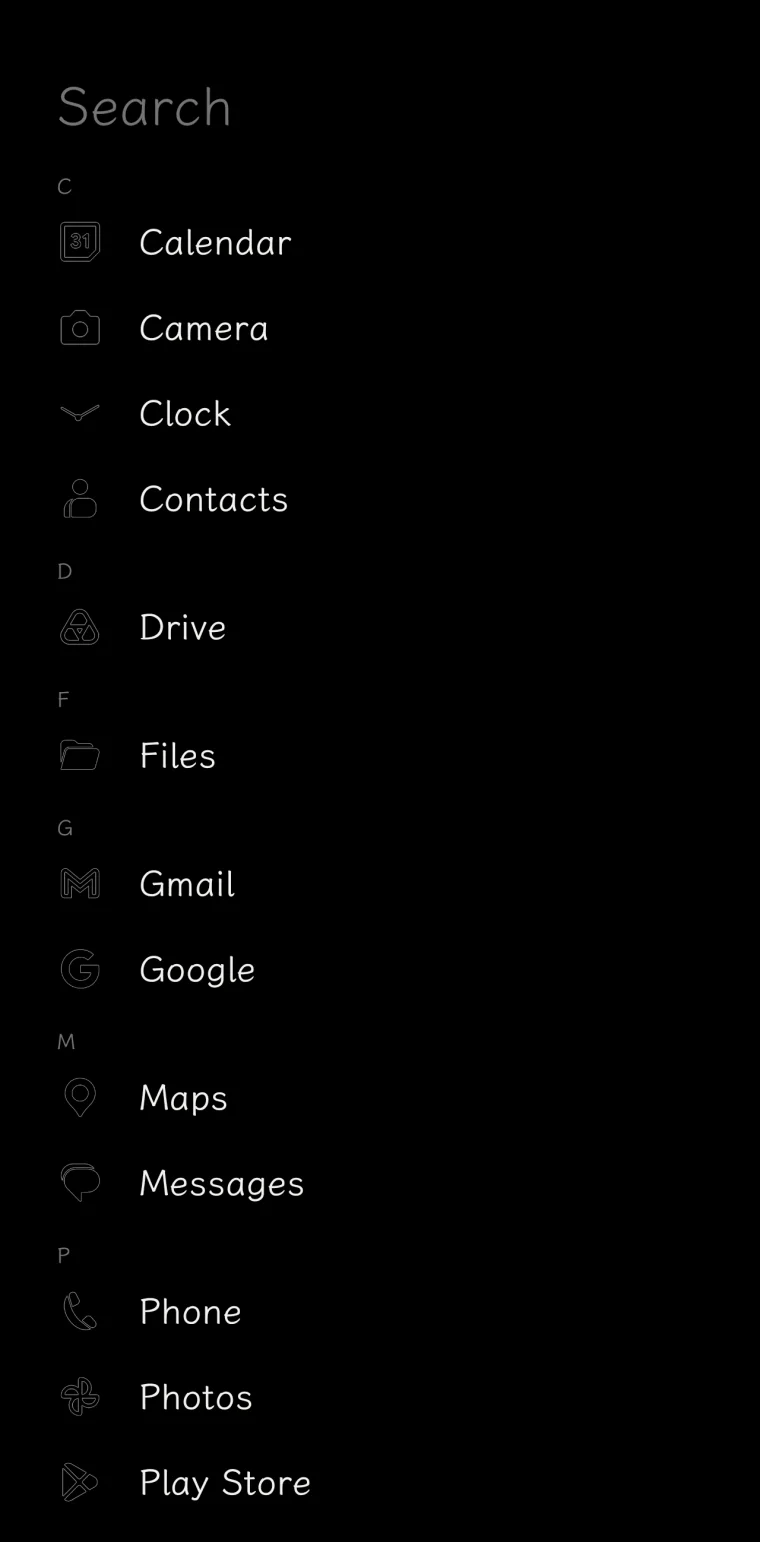
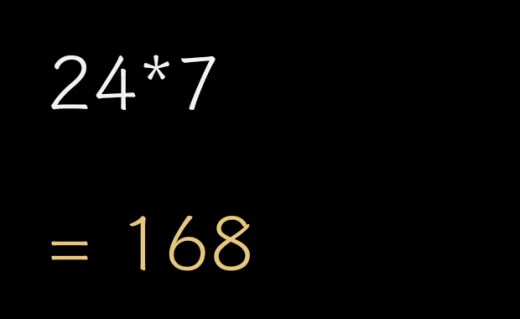
A few apps you choose on home. Swipe up to search apps, contacts and settings. It even does quick sums.
Everyday words first, in the order people actually use them, built from Wiktionary and real-world text. No streaks, no badges. Miss a day and the word simply waits for you.
Less than a coffee, and it lasts a lot longer. Nobody is selling your attention here, so there’s nothing to upsell and nothing to track.
Price in US dollars; Google Play shows it in your currency. Android 10 or later.
There’s no sign-up and no analytics anywhere in the app.
Apps, contacts, calendar and notifications are read on the device and never sent anywhere.
The word you’re learning, to fetch its pronunciation and stroke order. Read the policy
Because it’s less than a coffee and lasts a lot longer. You pay once: no ads, no subscription, no in-app purchases, no account. One purchase covers your family too, through Google Play Family Library.
Spanish, French, German, Italian, Portuguese (Brazil), Dutch, Russian, Turkish, Japanese, Korean and Mandarin Chinese. Meanings are shown in English.
One word a day, recalled every time you unlock, adds up: about 365 of the most used words a year, which covers a surprising amount of everyday speech. It won’t make you fluent. It will make you less of a stranger.
Any time. Pick another home app in Android’s settings, or uninstall Learncher. It doesn’t change anything else on your phone.
No. iPhones don’t allow replacing the home screen, so Learncher is Android only.
Only if you want double-tap to lock the screen. That’s the one thing it uses the service for. It never reads your screen or what you type.